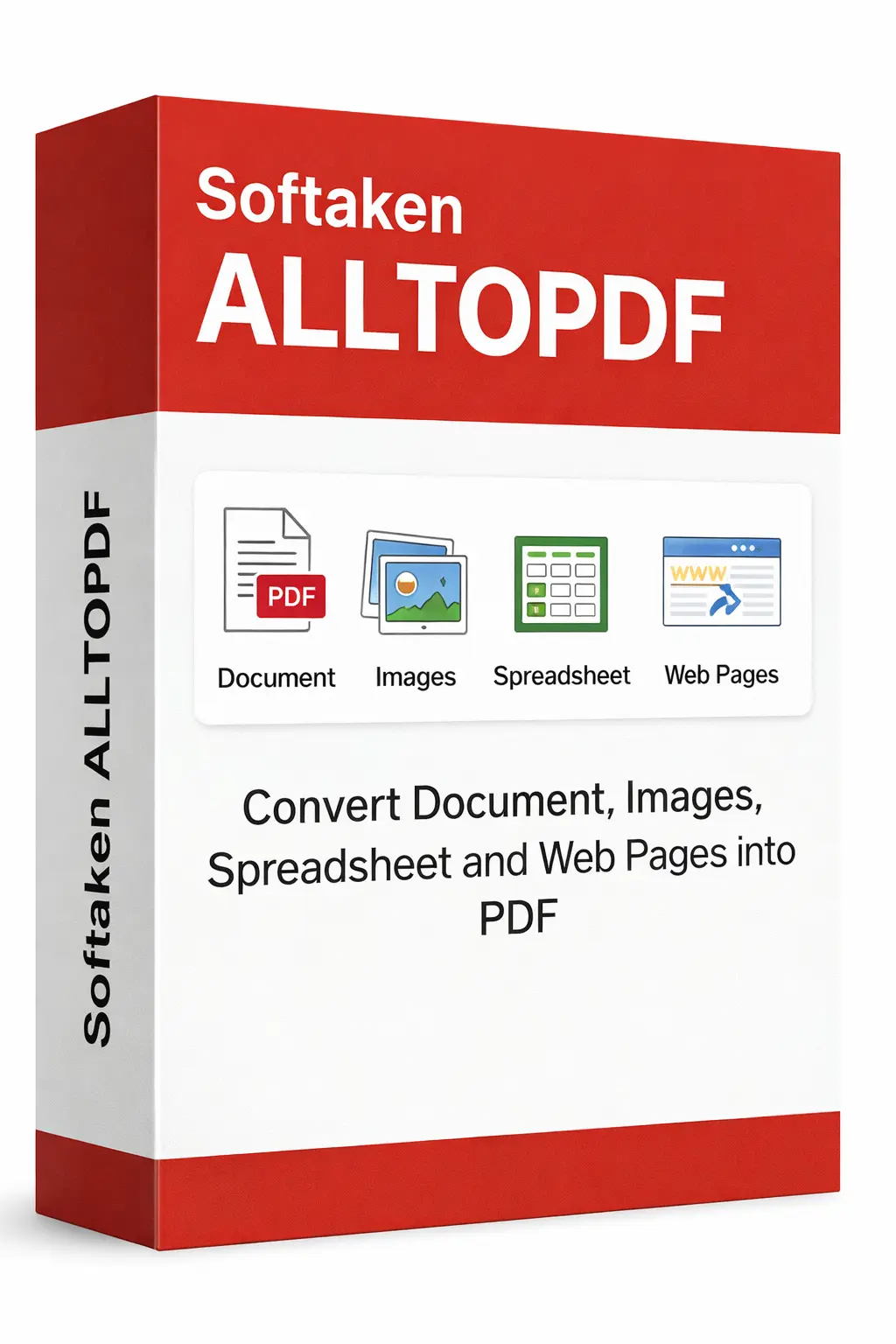
Convert a batch of XML Files to PDF in minutes with complete data integrity,retaining all structure,attributes,and hierarchy of the original Xml File with full support for all types of nested structures,for high-quality output.
100% Safe & Secure | No Credit Card Required for Demo

Convert XML data files to PDF with preserved structure
.xml extension
Description:It's a markup language that can describe files in a way that they can be easily processed both by people and computers. XML is a flexible formatted text file based on SGML and is frequently used for data storage,configuration,data transfer,and representing structured documents.
Data Structure:XML uses element tags to define each element,attribute definitions to add additional information to elements,and hierarchical,nested structures and as these documents have a tree-like structure,with a root element containing one or more child elements and each child component may contain additional nested components as inner elements.
Features Preserved:XML structure,tag assignments,relationships between elements,the hierarchical nature of the data,namespaces,and the overall XML document will be maintained with their attributes when creating formatted .pdf files,including keeping the original structure of the XML file and a readable PDF file.
Common Use Cases:When you want to configure XML files as configuration files,data transfer,structured files,RSS,application settings,sitemaps,exporting file from database systems,in response to APIs,document formats,or any XML file you want to migrate to a PDF format for readable documentation ideal for sharing,or archiving purposes.
Benefits of Converting to PDF:Converting an XML document to PDF include making structured data more accessible to non-technical users,facilitating easy printing and sharing of content,providing a uniform format for documentation,allowing for offline viewing,creating permanent records of the data structure,and enabling easy reading of complicated XML hierarchical structures.
Professional XML to PDF conversion with advanced features
Maintain original XML document structure,hierarchy,nested elements,and relationships in the PDF output with proper formatting.
Preserve all XML tags,attributes,and element names in the PDF output with proper formatting and readability.
Convert XML data to formatted,readable PDF documents with proper indentation,spacing,and visual hierarchy.
Support for complex nested XML structures with multiple levels of elements,maintaining hierarchy and relationships in PDF.
Control page size (A4,Letter,Legal),orientation,margins,and output quality settings for each conversion.
Convert multiple XML files at once. Support for up to 200 files per batch in full version with progress tracking.
100% local processing - all conversions happen on your computer. Your XML files never leave your system.
Generate high-quality PDFs suitable for printing,sharing,archiving,and professional documentation purposes.
Simple steps to move your XML files
Download and open the utility on your Mac or Windows OS.
You can either drag and drop your XML file into the app or directly select it.
You can change the page size,orientation,margins,and quality settings (optional) as per your requirements.
Save the PDF file by clicking the Convert icon and transfer multiple XML files to PDF all in one go.
When to use XML to PDF Conversion
You can change XML configuration files to PDF for documentation,backup,and creating readable versions of settings.
Convert XML data exchange files to PDF files for documentation,sharing with team members,and creating reference materials for group tasks.
Migrates XML structured documents to PDF for easy viewing,printing,and sharing so that everyone can use it without any technical skills.
Exports RSS feeds,XML sitemaps,and web data files to PDF for documentation and archiving purposes to make your workflow smooth.
Convert XML data exports from databases and apps to PDF to enhance archiving and offline access.
Effortlessly moves XML files to PDF for long-term archiving,backup,and preservation of important data files.
Know how well your system is compatible with XML to PDF Converter
Windows 7 or later (64-bit recommended)
Windows 11,10,8.1,7 supported
macOS 10.12 (Sierra) or later
2 GB minimum
4 GB recommended for better performance
Lightweight,needs only 100 MB free space
for application installation
No dependencies required
All libraries bundled in EXE/DMG