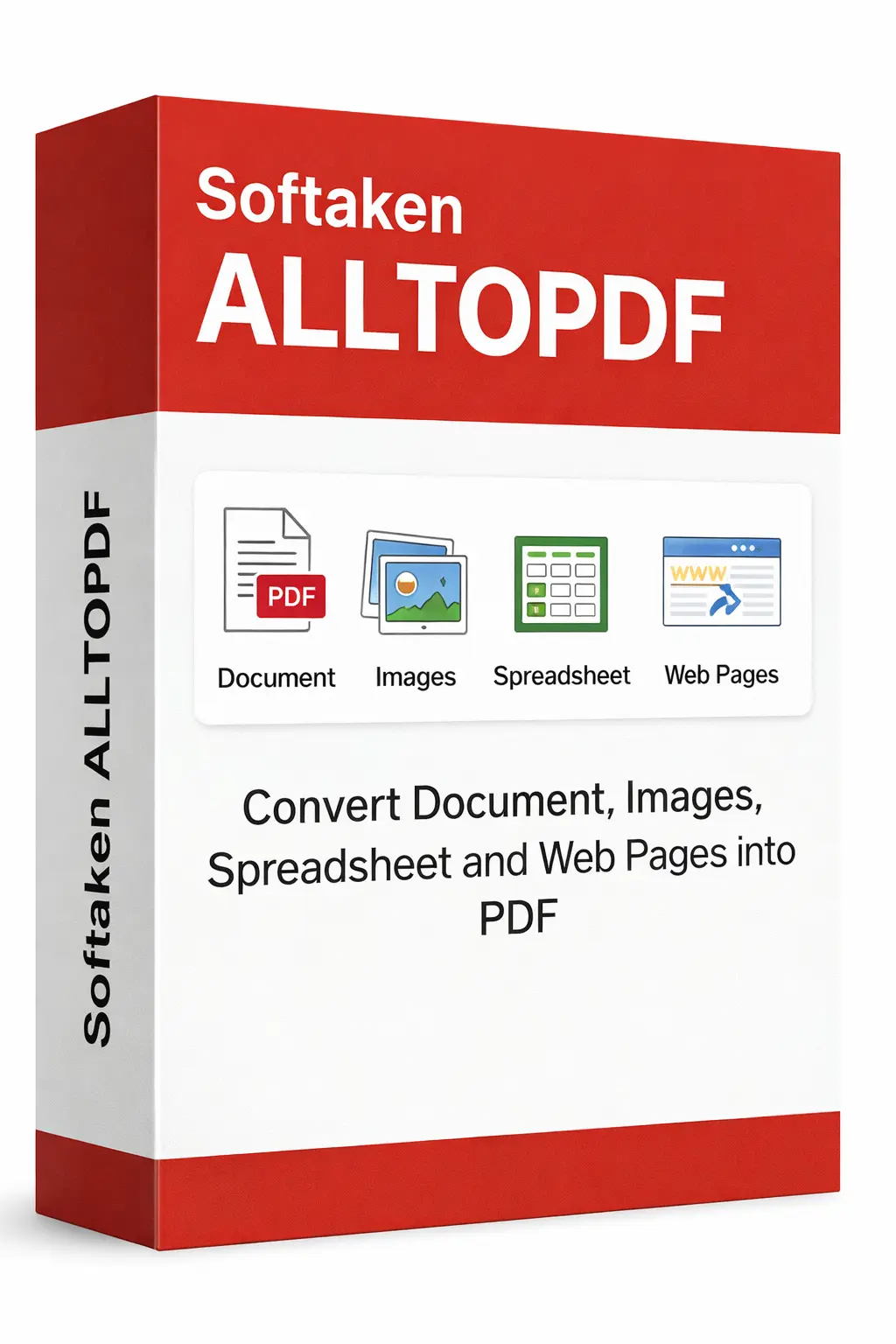
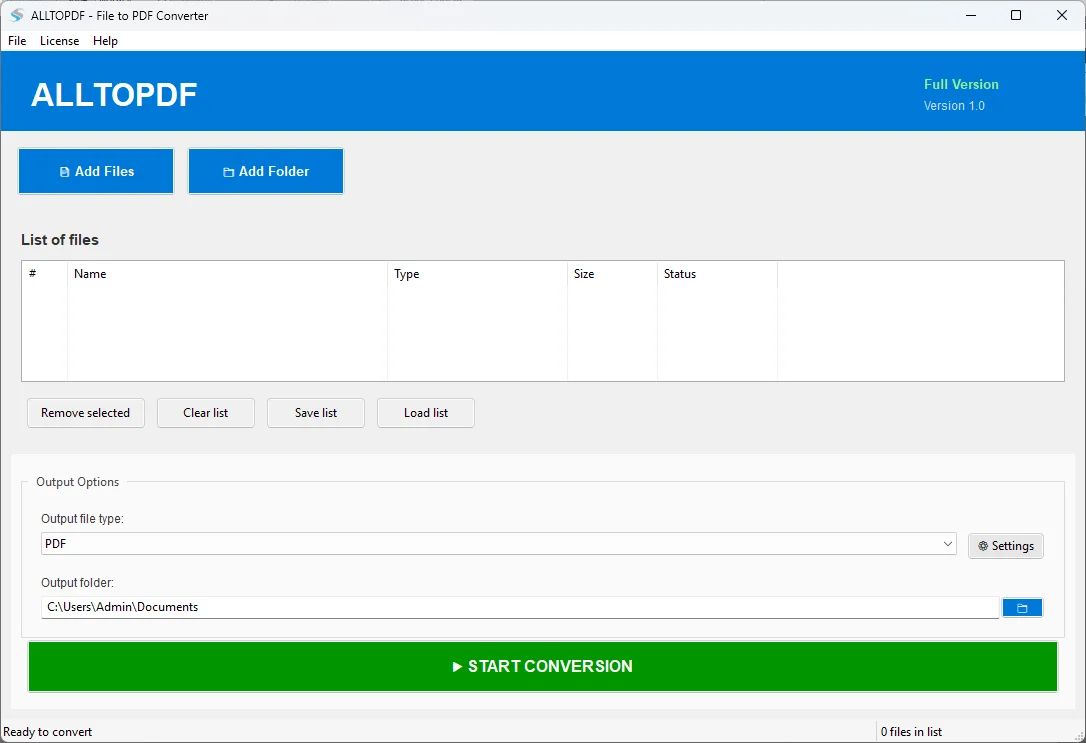
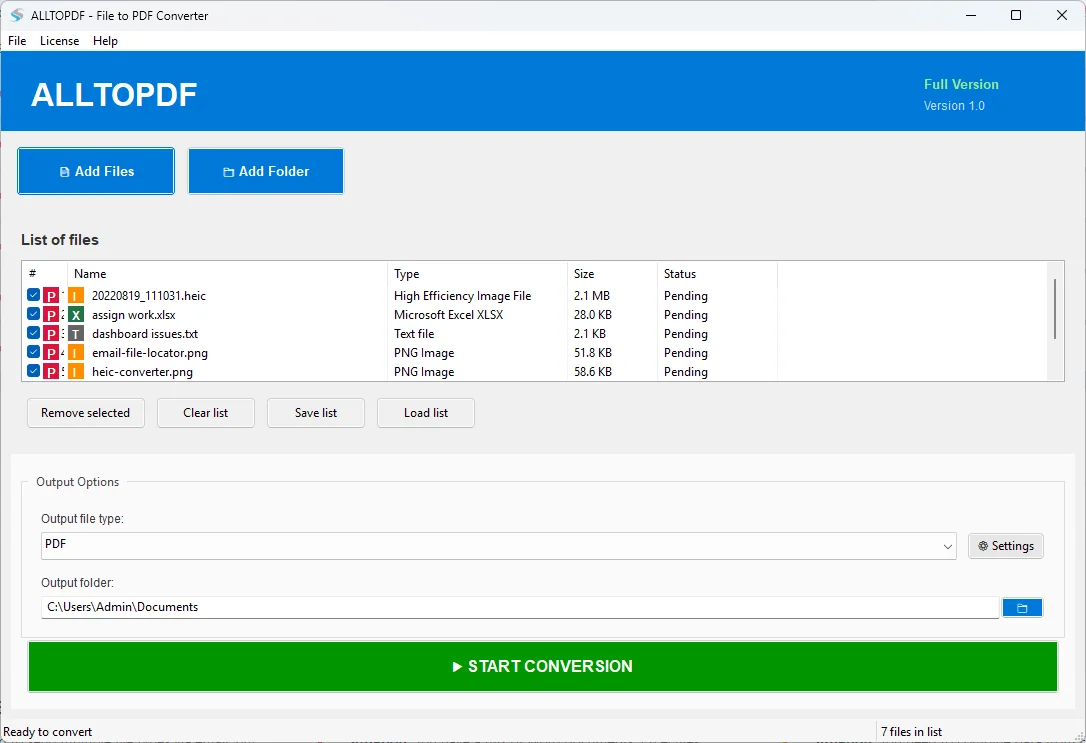
Transform 20+ file formats into PDF with this one powerful tool. It will ensure you have wide platform compatibility by converting your documents,images,spreadsheets,or web files to PDF with a seamless conversion experience and top-notch output quality.
100% Safe & Secure | No Credit Card Required for Demo

Know how well your system is compatible with All to PDF
Windows Operating System 7+ 64 bit preferred
Windows 11,10,8.1,7 supported
2 GB minimum
4 GB recommended for better performance
2 GB minimum
4 GB recommended for better performance
No dependencies required
All libraries bundled in EXE
A comprehensive file conversion solution
Move (DOCX,DOC) Microsoft Word files,(TXT) text files,(RTF) rich text format files,(MD) markdown files and (PDF) pdf files into pdf's with formatting preserved.
Export (JPEG,PNG,BMP,TIFF,GIF),(HEIC),(SVG),images to pdf with proper sizing/scaling of the images.
Convert (XLSX,XLS) Excel spreadsheets and CSV files into PDF files preserving formatting and supporting multi-sheet files.
Migrate HTML,HTM,MHT,JSON,and XML files to PDF with formatted output and preserved structure.
Set the page size (A4,letter,legal) page,orientation,margins,compression amount,and DPI settings for a pdf file.
You can move multiple files simultaneously with progress tracking. Support for up to 200 files per batch in full version.
Follow the Quality Control Guidelines:DPI's (72,150,300,600),quality of image (50%-100%),Auto Rotate the images and Include Metadata for each of your pdf files.
Entirely localized processing means that your original data never leaves your system and all conversions take place on your computer.
The program will run on any WINDOWS SYSTEM without requiring installation of python or any of its dependencies as the tool is a SINGLE EXE FILE [All DEPENDENCIES are COMBINED into 1 exe file].
20+ file formats supported for PDF conversion
MARKDOWN,DOC,RTF,TXT,DOCX,PDF
TIFF or TIF,SVG,JPG or JPEG,PNG,BMP,GIF
XLS,CSV,XLSX
HTML,HTM,MHT,JSON,XML
See what you get with the full version
| Feature | Demo Version | Full Version |
|---|---|---|
| PDF Pages | Maximum 3 pages per PDF | Unlimited pages |
| Files per Batch | Maximum 5 files | Up to 200 files |
| File Formats | All formats supported | All formats supported |
| Settings | All settings available | All settings available |
| Batch Processing | Available | Available |
| License Key | Not Required | SOFTALLTOPDF2016ACT |
| Price | Free | Purchase required |
Click on images to zoom and view in detail


Simple steps to convert files to PDF
Common Questions about this powerful utility
It supports more than 20 formats including the following document formats .PDF,.DOCX,.DOC,photo .JPG,.PNG,.BMP,.TIFF,.GIF,spreadsheet .XLSX,.XLS,and web page .HTML,.JSON,.XML and much more for wide compatibility.
The demo version limits PDF creation to maximum 3 pages per PDF and allows processing of maximum 5 files per batch. All other features are available for testing.
No the utility is an independent EXE app and all dependencies are bundled in the executable file so you don't need Python or any other software installed.
Yes the tool handles your files locally on your computer to ensure complete privacy and security.
To activate a full version of this tool,go to the app menu,select License then choose Activate License and type in the provided license key:SOFTALLTOPDF2016ACT and tap Activate button. After that,the license will automatically save itself.
Yes it can manage HEIC format and you can convert Apple images directly to PDF without needing to convert them to another format first.